SwiftLint: The Essential Tool for Writing Cleaner Swift Code
Most Swift projects don’t become difficult to maintain because of one major bug. They decline through hundreds of small shortcuts, force unwraps, unclear naming, growing functions, and inconsistent coding styles. SwiftLint helps developers catch these issues early and maintain high-quality Swift code with confidence.
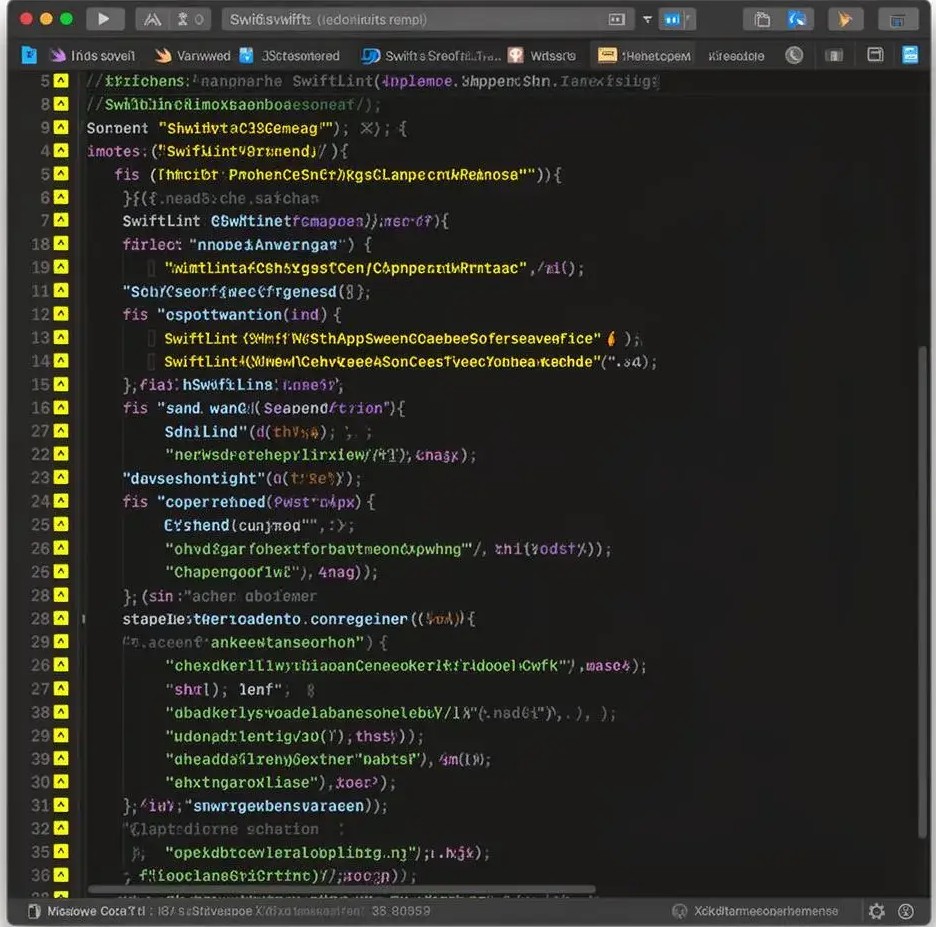
The slow decline
Tiny shortcuts become accepted as normal
None of these issues seem serious in isolation. Together, they create codebases that become harder to understand, harder to review, and harder to maintain.
- A force unwrap slips into production code.
- A variable gets named a because everyone is in a hurry.
- A function grows from 20 lines to 200 lines, no time to refactor.
- A pull request receives the same formatting comments for the tenth time.
This is exactly the problem SwiftLint was designed to solve. Rather than relying on memory, documentation, or repeated review comments, developers receive immediate feedback directly within their workflow, encouraging consistency without slowing productivity.
What is SwiftLint?
A Swift linter for cleaner, more consistent code
A linter doesn’t determine whether your application logic is correct. Instead, it focuses on code quality concerns that are often repetitive, easy to overlook, and costly to enforce manually. SwiftLint integrates naturally into Xcode and modern development workflows, and has become one of the most widely adopted tools for enforcing Swift coding standards.
Rather than replacing developers, SwiftLint helps them focus on more valuable work.
SwiftLint examines your code and reports issues such as
- Unsafe force unwrapping
- Poor naming conventions
- Excessively long functions
- Formatting inconsistencies
- Violations of coding standards
- Maintainability concerns
Why code quality matters
The cost of "we'll fix it later"
Many teams think about code quality only after a project becomes difficult to maintain. Unfortunately, that’s usually too late. When code is consistent, developers spend less time understanding how something was written and more time understanding why.
Good code quality is not about perfection, it’s about reducing unnecessary friction throughout the software development lifecycle.
Longer onboarding times
Slower code reviews
Increased debugging effort
Reduced developer confidence
More frequent regressions
Greater technical debt
Why developers choose SwiftLint
Developers choose tools that solve
problems, not create them
Instead of reviewers repeatedly commenting on formatting, naming, or style violations, SwiftLint handles those checks automatically. The biggest benefit isn’t stricter enforcement, it’s consistency.
- Standardize coding practices
- Reduce repetitive review feedback
- Encourage safer coding patterns
- Improve project maintainability
- Support onboarding efforts
- Create more predictable development workflows
Real problems SwiftLint solves
From force unwraps to oversized functions
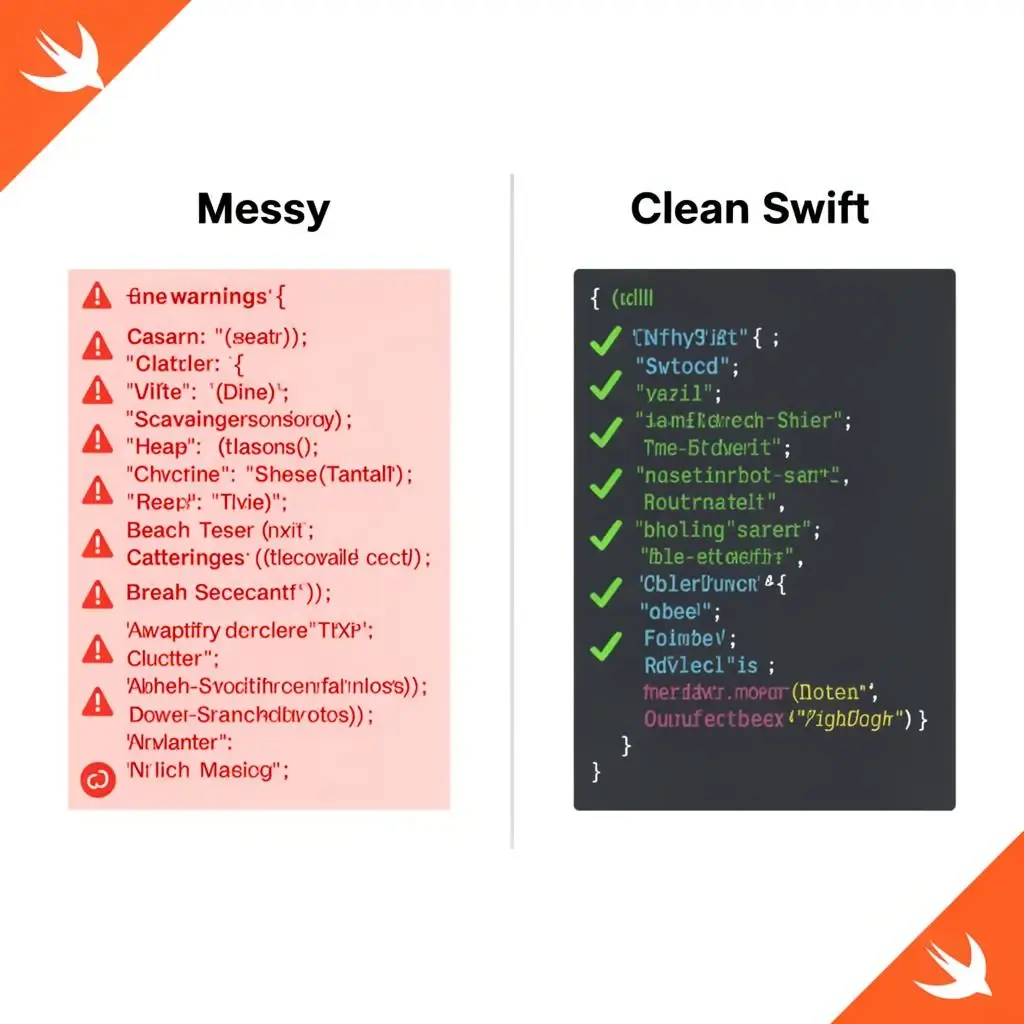
Force Unwrapping
One of the most common SwiftLint rules targets force unwrapping. This code works perfectly, until user becomes nil. At that point, the application crashes. SwiftLint identifies these patterns and encourages safer alternatives.
let user = data.user!
guard let user = data.user else { return }
Unclear Naming
This works, but it doesn't communicate intent. Clear names reduce confusion and improve maintainability.
let a = 10
let userAge = 10
Oversized Functions
What begins as a small helper method eventually handles validation, networking, transformation, logging, and error handling. SwiftLint flags functions that exceed configurable size limits, encouraging better separation of responsibilities.
Formatting Inconsistencies
Formatting differences rarely break software. They do, however, create visual noise. Consistent formatting helps teams focus on logic rather than presentation.
Powerful features
Built for real-world Swift development
Everything a Swift team needs to enforce style without the noise.
Automatic Code Analysis
Analyze Swift files and identify violations instantly.
Configurable Rules
Enable, disable, and customize rules according to project requirements.
Auto-Correction
Automatically fix many common style violations with swiftlint --fix.
Xcode Integration
Receive feedback directly within your development environment.
CI/CD Support
Extend quality checks into automated pipelines across providers.
Open Source
Use SwiftLint freely across personal and commercial projects.
Installation
Getting started with SwiftLint
is straightforward
$ swiftlint --fix
For most developers, this is enough to begin improving code quality immediately.
Xcode integration
Fits naturally into your existing Xcode workflow
One of SwiftLint’s strengths is how naturally it slots into Xcode. Add a Run Script Phase and SwiftLint runs automatically on every build, providing immediate, inline feedback to developers.
- Open your Xcode project.
- Select your target.
- Navigate to Build Phases.
- Add a new Run Script Phase.
- Insert a SwiftLint script.
SwiftLint Check
if which swiftlint >/dev/null; then
    swiftlint
else
    echo "warning: SwiftLint not installed."
fi
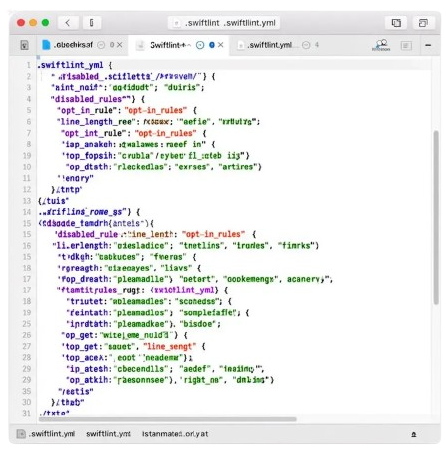
Configuration
Tune SwiftLint with a single .swiftlint.yml file
SwiftLint behavior is controlled through a configuration file. This file allows teams to define standards that fit their workflow.
One of the most common mistakes teams make is adopting every available rule immediately. A better approach is to begin with high-impact rules focused on readability and safety, then gradually expand enforcement. Rules should support development, not obstruct it.
# .swiftlint.yml
disabled_rules:
  - trailing_whitespace

opt_in_rules:
  - force_unwrapping

line_length:
  warning: 120
  error: 150

function_body_length:
  warning: 40
  error: 80
Common rules
Not arbitrary preferences, practical defaults that reflect
years of community experience
SwiftLint behavior is controlled through a configuration file. This file allows teams
to define standards that fit their workflow.
| RULE | WHAT IT ENFORCES |
|---|---|
| identifier_name | Encourages meaningful variable and function names. Poor names make code harder to understand. |
| force_unwrapping | Discourages unsafe optional handling. Helps reduce avoidable crashes. |
| line_length | Prevents excessively long lines that reduce readability. |
| function_body_length | Encourages smaller, focused functions. Large functions are typically harder to maintain. |
| type_body_length | Prevents classes and structures from becoming excessively large. |
| trailing_whitespace | Maintains cleaner formatting and avoids unnecessary diffs. |
Team collaboration
Shared standards make collaboration smoother
SwiftLint becomes increasingly valuable as projects grow. Multiple developers naturally bring different habits, preferences, and coding styles. Without shared standards, teams often encounter friction.
- Repetitive review comments
- Formatting debates
- Inconsistent implementations
- Longer onboarding periods
SwiftLint creates a shared understanding of expectations. New members learn conventions faster; experienced developers spend less time discussing style. The result is smoother collaboration and more productive reviews.

CI/CD integration
Run lint checks automatically on every
build and pull request
Modern development teams increasingly rely on automation. SwiftLint integrates well with major CI/CD systems creating faster feedback loops and ensuring quality checks happen consistently, before code reaches production.
SwiftLint vs manual reviews
Automation handles repetition.
Developers provide judgment
The strongest engineering teams use both approaches together. Neither replaces the other.
SwiftLint excels at
- Style enforcement.
- Naming violations.
- Formatting consistency.
- Rule compliance.
- Repetitive quality checks.
Human reviewers focus on
- Architecture decisions.
- Security concerns.
- Business logic.
- Performance implications.
- User experience.
Best practices for teams
Successful adoption requires balance
SwiftLint works best when it reduces friction rather than creating it.
Start small
Begin with rules that provide immediate value.
Focus on readability
Prioritize standards that improve maintainability.
Avoid rule overload
Too many restrictions can create frustration.
Review configurations regularly
Coding standards should evolve alongside projects.
Encourage discussion
Rules should support team goals, not exist purely for enforcement.
FAQ's
Frequently asked questions
Is SwiftLint free?
Yes. SwiftLint is completely free and open source.
Does SwiftLint work with Xcode?
Yes. It integrates directly into Xcode through Build Phases.
Can SwiftLint automatically fix code?
Many violations can be corrected using swiftlint –fix.
Is SwiftLint suitable for beginners?
Absolutely. SwiftLint provides immediate feedback that helps reinforce good coding practices.
Should every project use SwiftLint?
Not necessarily. Small prototypes may not require strict enforcement, but projects expected to grow often benefit significantly from establishing standards early.
What is SwiftLint used for?
A tool to enforce Swift style and conventions, loosely based on the now archived GitHub Swift Style Guide. SwiftLint enforces the style guide rules that are generally accepted by the Swift community. These rules are well described in popular style guides like Kodeco’s Swift Style Guide.
What is the difference between SonarQube and SwiftLint?
SwiftLint performs faster code analysis as it is built specifically for Swift, whereas SonarQube analyzes code written in multiple programming languages. Customization and Extensibility: SonarQube offers a high level of customization and extensibility options.
What is better than SonarQube?
6. GitLab. We use GitLab mainly for source code management, CI/CD pipelines, and collaboration between development teams. Having repository management, pipelines, and issue tracking in one platform helps simplify the development workflow and reduces the need for multiple separate tools.
What is the best code quality tool?
Snyk Code: This code quality tool scans your codebase to identify and fix security vulnerabilities early. Codacy: Helps maintain coding standards and tracks technical debt across projects. SonarQube: This code quality tool offers comprehensive static code analysis with multi-language support.
What is Swift mostly used for?
Swift is designed to be the language you reach for at every layer of the software stack. Whether you are building embedded firmware, full-featured mobile apps, or internet-scale services, Swift delivers expressive language features and APIs, performance control when you need it, and strong safety guarantees.
What is the best coding tool right now?
Cursor: Best AI Coding Tool for Rapid Data Science Prototyping. Ideal for: Developers who want an AI-first coding environment with an excellent chat interface, particularly for web development and smaller projects. Cursor has built strong momentum among developers who prefer an AI-native editing experience.
SwiftLint: Swift Style & Code Quality Tool for Developers
SwiftLint is a static analysis tool for Swift that enforces coding standards, improves code quality, & ensures consistent style in iOS & macOS apps. #SwiftLint
Price: Free
Price Currency: $
Operating System: Windows, macOS
Application Category: Software
4.8